
 Free beta
Learn your lessons… without the headache
Snap the lesson. Yetimo turns it into questions, asks them out loud and brings them back at the right time, until it sticks.
Yetimo in one minute
Free betaSnap the lesson. Yetimo turns it into questions, asks them out loud and brings them back at the right time, until it sticks.
Yetimo in one minute
Up to 10 pages, or a PDF. Notes, diagrams, maps, word lists: anything written in the lesson.
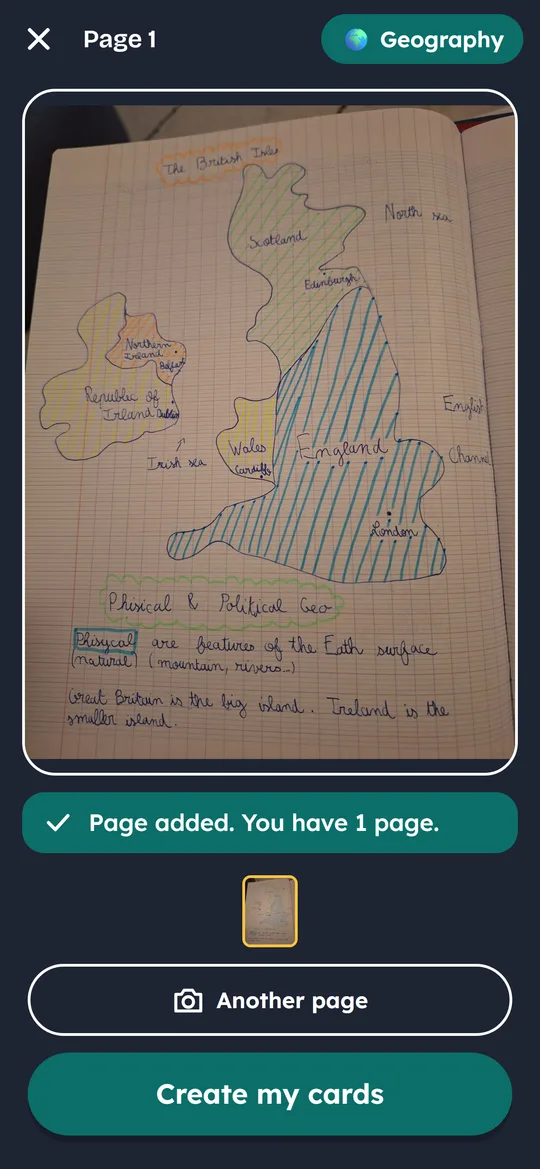
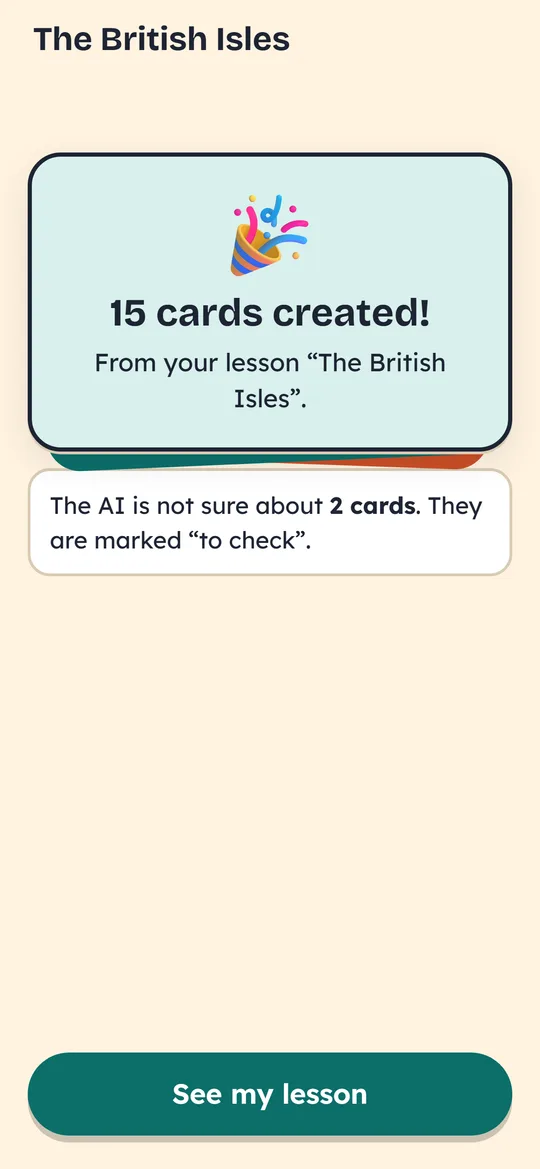
In about two minutes, only from the lesson itself. Anything it is unsure of is marked “to check”.
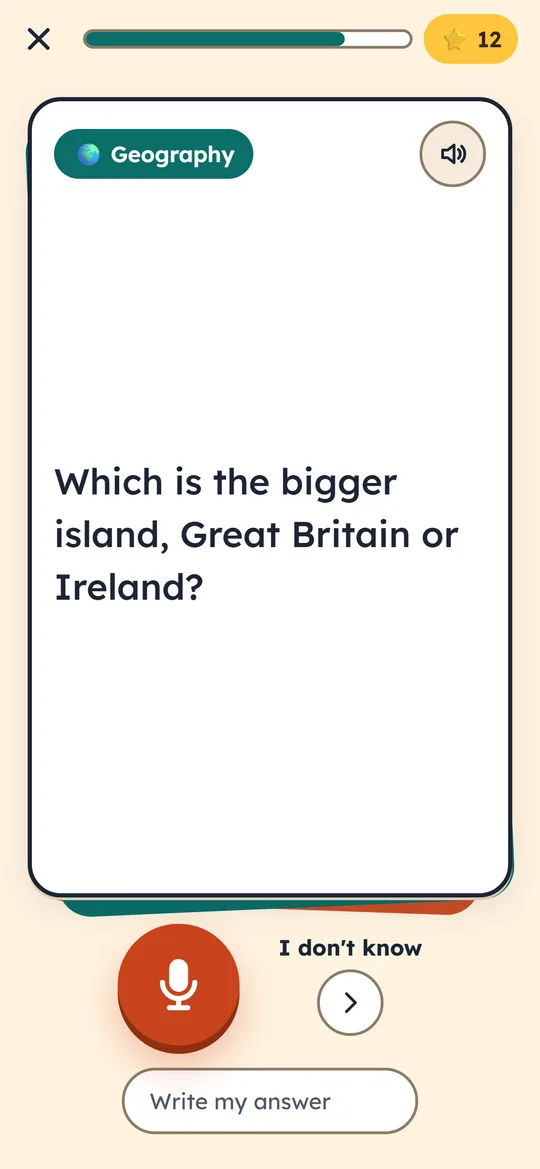
Yetimo reads the question, you answer with the mic or by typing. The voice and the mic are the phone’s own.
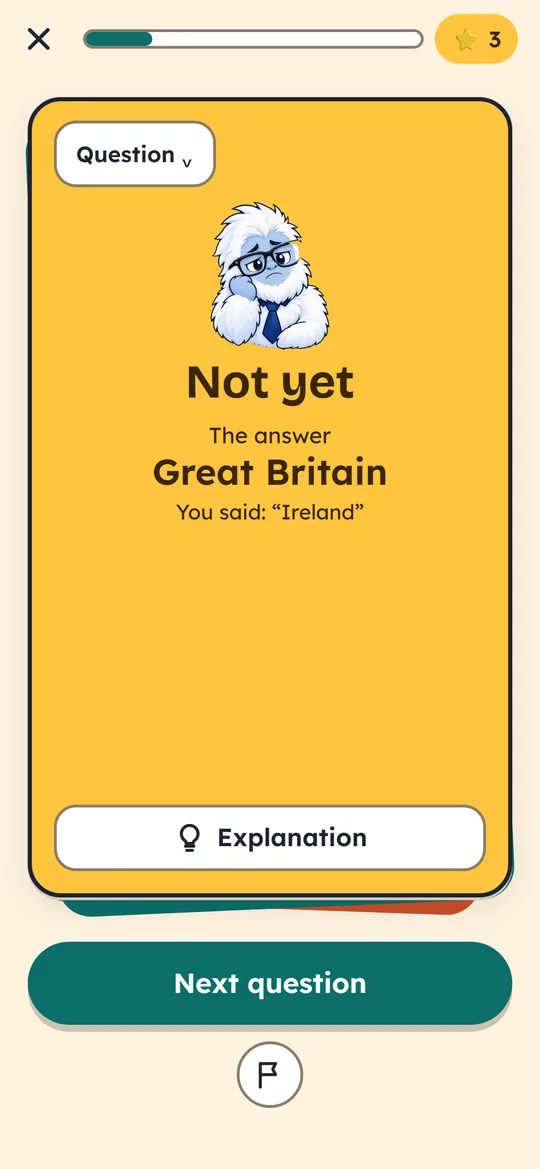
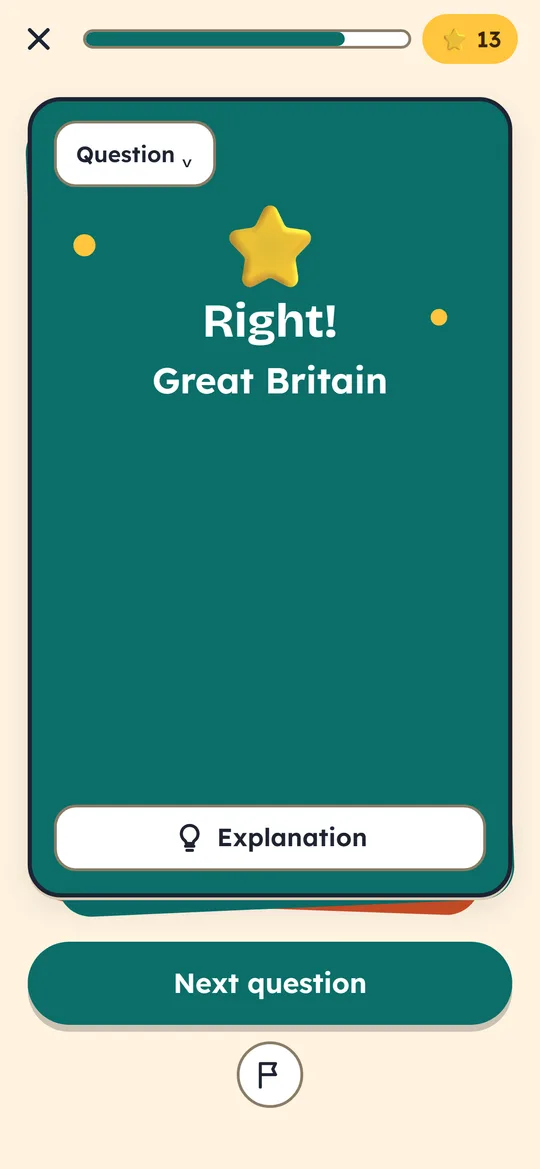
Never “wrong”: the right answer shows, with a one or two sentence explanation. Mistakes are how you learn.
Four piles per lesson: a card you know comes back later, a card you missed comes back soon. A little every day is enough.
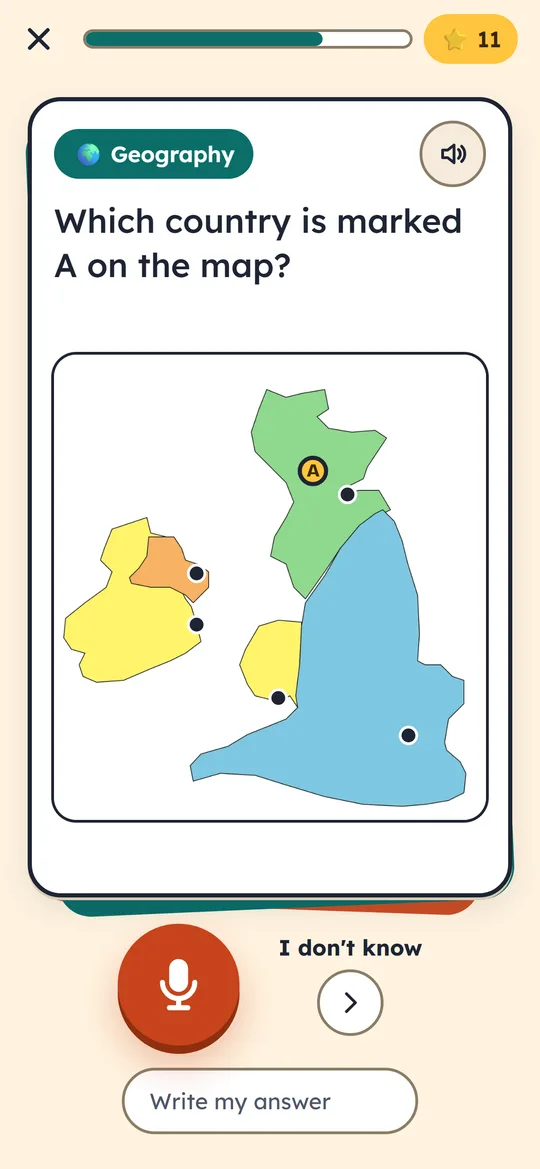
A map, a science diagram: the question shows the part of the page it needs.
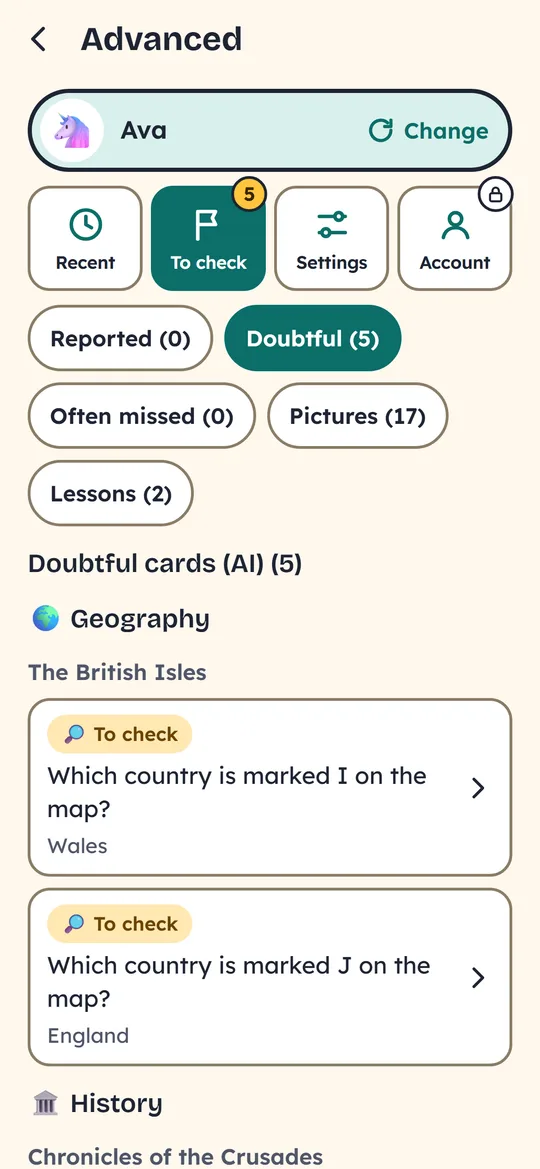
The “Advanced” area shows the cards the AI is unsure about, the ones your child flagged, and everything they did. Any card can be kept, corrected or deleted.
The lesson photo is read by the AI, then kept nowhere else. The AI services are set up to retain nothing.
No selling of data, no tracking. Data is never used to train AI. This website has no cookies either.
From Year 4 to Year 13, and for adults: questions match the school year set in the profile. Lessons in English and French.
Yetimo is in private beta: 1,000 free AI credits to try it. Ask for access and I will send you the install link.
Through TestFlight, Apple’s beta testing app, by invitation during the beta.
Ask for accessOn a computer or tablet, with a family account. To answer out loud: Chrome, Edge or Safari.
Open YetimoSometimes, yes. It only uses what is written in the lesson, marks anything it doubts as “to check”, and your child can flag a card. In the “Advanced” area you correct or delete a card in two taps.
Not on a phone: everything can stay on it. The family account backs lessons up, brings them to another device and lets you share them. In a browser it is required, because browsers can wipe their data.
Nothing during the beta. Reading a lesson and judging an answer uses AI, which costs a little: every account gets 1,000 free credits to try it.
Anything you learn by heart, or nearly: history, geography, science, vocabulary, languages, grammar rules, definitions… The app also has a library of ready-made lessons.
On a phone, it is the phone’s own. In a browser, Chrome and Edge send it to Google, Safari to Apple: Yetimo asks a parent before using it. Otherwise, answers are typed.